
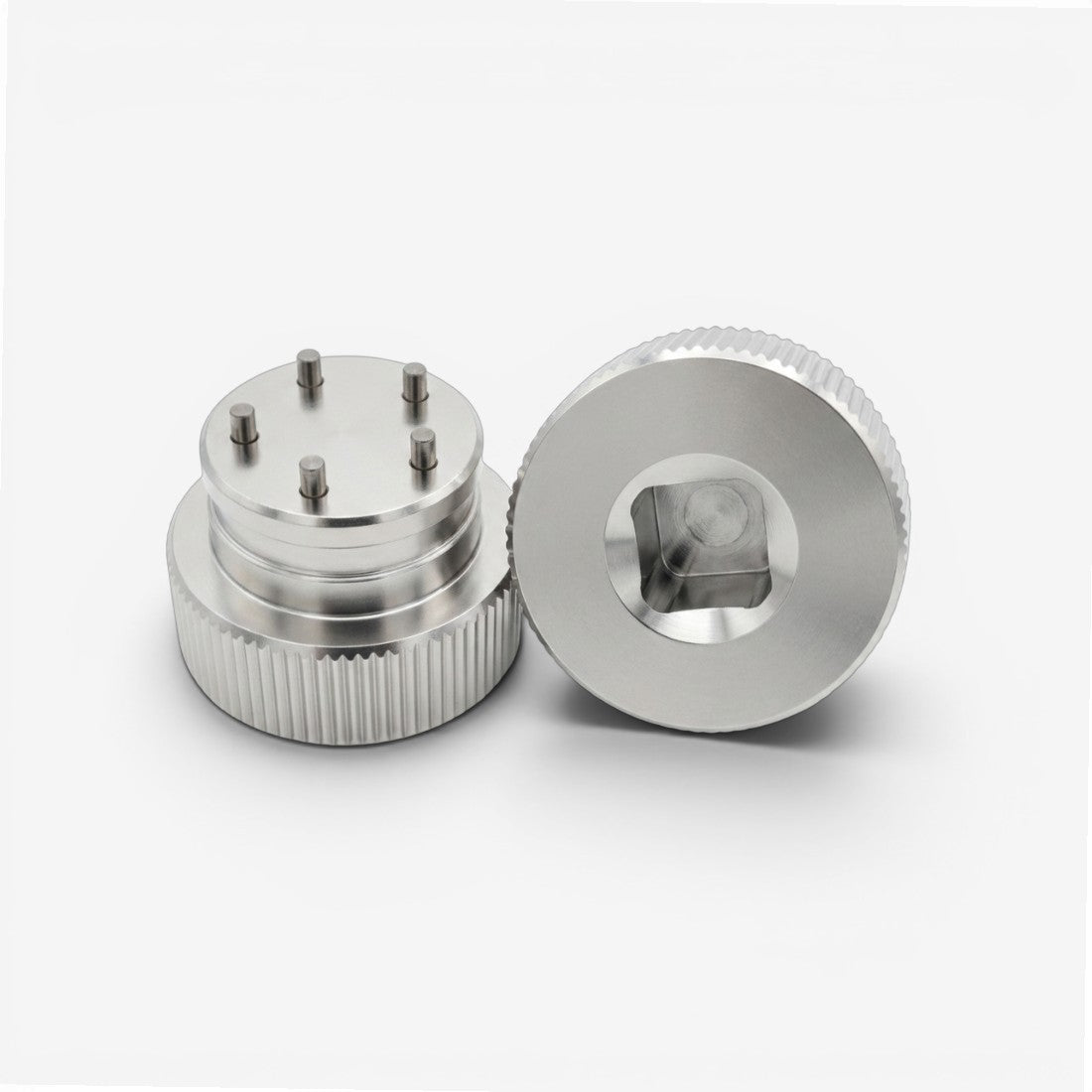
CHANGE SCOTTY CAMERON PUTTER WEIGHTS WITH A 5-PIN TOOL
This Shaft Connect aftermarket 5-pin removal tool provides a simple way to remove and install compatible Scotty Cameron putter sole weights. The silver tool is designed to connect to a standard 3/8" socket wrench, giving you a familiar handle and added leverage when working with removable putter weights.
Use it when replacing existing weights, changing to a different gram weight, or installing compatible aftermarket putter weights.
DESIGNED FOR 5-PIN PUTTER WEIGHTS
The tool is compatible with Scotty Cameron putter weights featuring the matching 5-pin removal pattern.
Because different weight designs have been used across Scotty Cameron putters, check the face of your existing weight before use. The five holes in the weight should correspond with the five pins on the removal tool.
It can be used with compatible original weights and Shaft Connect aftermarket Scotty Cameron compatible weights that share the same 5-pin design.
3/8" SOCKET WRENCH CONNECTION
Attach the silver removal tool to a standard 3/8" socket wrench before removing or installing the putter weight. The socket wrench is not included.
Seat all five pins completely into the corresponding holes before applying turning force. Keeping the tool square and fully engaged with the weight helps prevent slipping during removal.
Factory-installed weights can occasionally require additional help to loosen. Hot water or gentle heat around the weight may help before removal. Avoid excessive heat that could damage the putter finish or surrounding components.
After removing the existing weight, use the same tool and socket wrench to install the compatible replacement weight.
Choose options